
Apple Is Refining Liquid Glass in iOS 27 — Here's What's New
When Apple introduced Liquid Glass as part of its sweeping design overhaul, it marked one of the most visually dramatic shifts in the history of iOS. The translucent, light-bending material brought a sense of depth and elegance to the interface that many users found striking — but not everyone was immediately sold. Feedback rolled in pointing to readability concerns, a lack of personalization options, and inconsistencies across apps. Apple listened. Announced at the WWDC 2026 keynote and elaborated on at the Platforms State of the Union, a broad set of improvements to Liquid Glass is coming with iOS 27, and the changes go much deeper than a simple polish pass.
What Is Liquid Glass and Why Does It Matter?
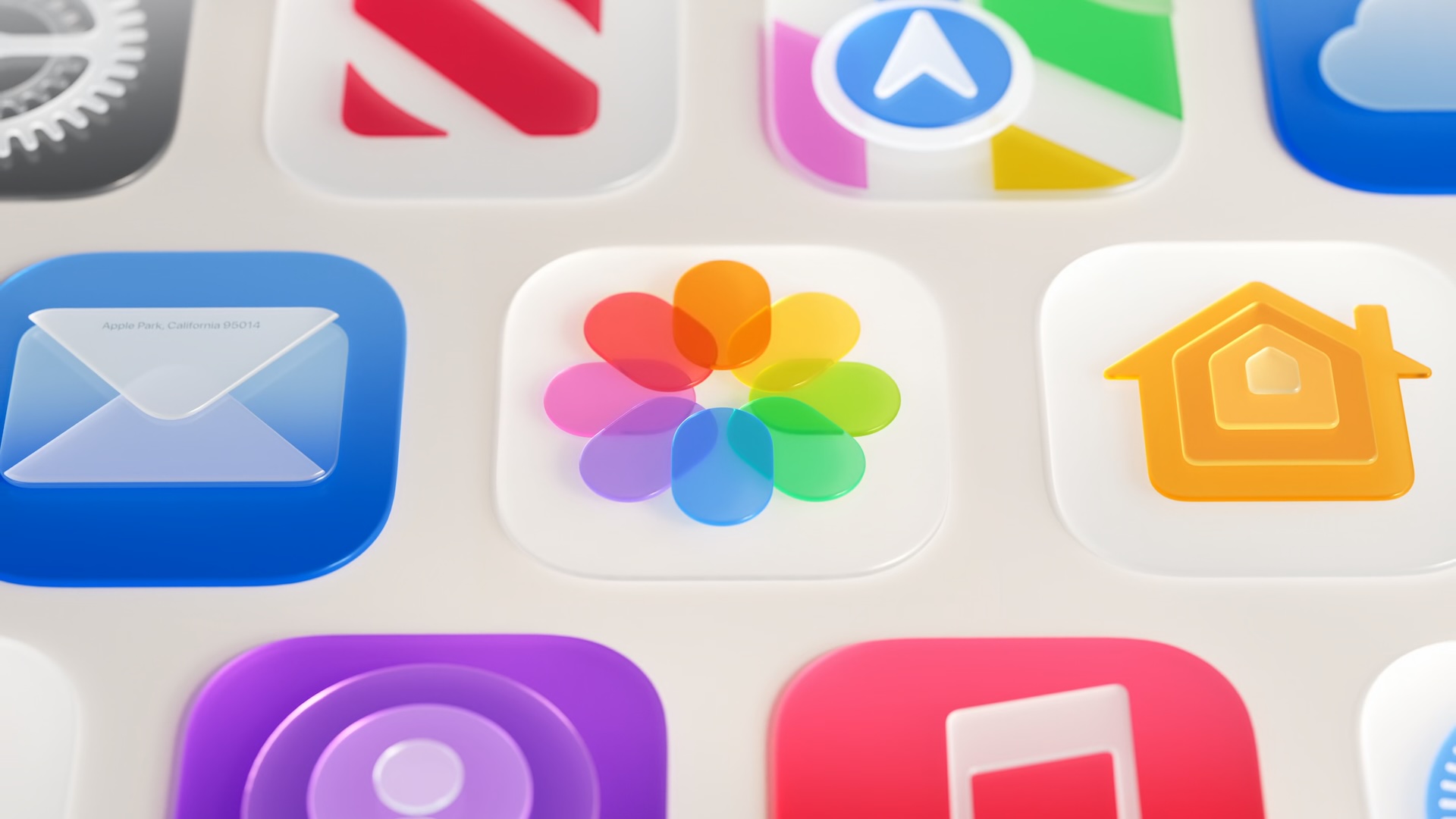
For those who need a quick refresher, Liquid Glass is the translucent design language Apple introduced to replace the more opaque visual style that had defined iOS for years. Rather than solid backgrounds and flat surfaces, Liquid Glass uses a dynamic material that reflects, refracts, and blurs the content behind it — much like looking through frosted or tinted glass. The effect gives the operating system a sense of layering and physicality that feels modern and premium.
The material appears across system UI elements, including toolbars, sidebars, notifications, and app icons. Because it interacts with whatever is displayed beneath it, the look of Liquid Glass elements changes subtly depending on the content behind them, creating a living, responsive aesthetic that feels unlike anything that came before it on a mobile platform.
However, that same dynamism created problems. When Liquid Glass sat over complex, busy backgrounds — think a colorful photo or a richly layered app screen — the result could be visually cluttered and, in some cases, difficult to read. iOS 27 addresses this directly.
Better Readability Through Improved Diffusion
At the heart of the iOS 27 Liquid Glass update is a fundamental change to how the material handles content behind it. Apple has adjusted the way Liquid Glass diffuses complex backgrounds, making it more effective at softening and blending whatever sits beneath a glass element. The practical result is a cleaner, more legible interface — especially in situations where rich imagery or high-contrast content previously caused the glass surface to look muddy or confusing.
To complement this, Apple has introduced two additional visual refinements: a darkened edge around Liquid Glass elements and brighter specular highlights. The darkened edge adds a subtle border effect that helps visually separate glass elements from the content beneath them, reinforcing the sense of depth that Liquid Glass is designed to convey. The brighter specular highlights, meanwhile, enhance the premium, light-catching quality of the material, making it feel even more like actual glass reacting to a light source.
Together, these changes make Liquid Glass feel more polished and more functional — a combination that should satisfy both users who love the aesthetic and those who found it distracting in its original form.
The Transparency Slider: Granular Control Comes to iOS
Perhaps the most immediately noticeable change for everyday users is the introduction of a new transparency slider in Settings. This control allows the look of Liquid Glass to be adjusted along a continuous spectrum, running from ultra clear at one end to fully tinted at the other. Rather than offering a simple on/off toggle, Apple is giving users genuinely granular control over how prominent the glass effect appears across the system.
This is a meaningful shift in Apple's approach to personalization. Historically, iOS has offered relatively limited options for tweaking system-level visual styles, with most customization living in accessibility settings rather than mainstream preferences. The transparency slider represents a step toward giving users real aesthetic agency over how their device looks — without requiring them to dive into accessibility menus or compromise on other visual features.
Users who want the full Liquid Glass experience can leave the slider toward the clear end of the range. Those who prefer a more defined, tinted look — perhaps finding it easier to read or simply more to their taste — can push it further. The result is an iOS that feels more personal and adaptable than before.
Automatic Improvements for Existing Apps
One of the most developer-friendly aspects of the iOS 27 Liquid Glass update is how it handles existing applications. Apps that already use Liquid Glass in their interfaces will gain many of the new improvements automatically when running on iOS 27, without needing to be recompiled or updated by their developers. This means that from day one of the iOS 27 rollout, a wide range of apps will look and feel better without any action required from the teams behind them.
This approach reflects Apple's broader strategy of building platform improvements that cascade through the ecosystem with minimal friction. By making refinements at the system level — in the underlying foundations of how Liquid Glass is constructed — Apple ensures that the benefits reach users regardless of whether individual app developers have had time to release updates.
Accessibility Integration Remains a Priority
Apple has also confirmed that Liquid Glass continues to adapt intelligently to accessibility settings. The Reduce Transparency and Increase Contrast options both interact with Liquid Glass as expected, ensuring that users who depend on these features for readability or visual clarity are not disadvantaged by the new design language. This kind of accessibility integration is essential for a design element that, by its nature, relies on visual complexity — and it signals that Apple remains committed to making iOS 27 work for everyone.
What to Expect When iOS 27 Arrives
Taken together, the Liquid Glass improvements in iOS 27 represent a thoughtful, iterative response to real user feedback. Better diffusion improves day-to-day readability. The transparency slider opens up new avenues for personalization. The darkened edges and specular highlights sharpen the visual language. And automatic improvements mean the whole ecosystem benefits without delay.
iOS 27 is currently in developer beta following its WWDC 2026 announcement, with a public release expected later this year. For anyone who has been on the fence about Liquid Glass since its debut, the changes coming in iOS 27 may well be the update that brings them around.