
Why HR Teams Need Ready-to-Use Analytics Templates
Data-driven decision-making is no longer optional for modern HR teams. Whether you're managing recruitment pipelines, tracking employee turnover, or presenting workforce insights to leadership, having the right tools in place makes all the difference. The challenge is that building HR dashboards and trackers from scratch demands time, technical skill, and resources that most HR professionals simply don't have in abundance.
That's exactly where a well-designed HR analytics Excel template bundle comes in. Instead of starting with a blank spreadsheet every time you need to analyze people data, you get practical, pre-built tools that are ready to populate and present. These templates help HR teams move faster, report more consistently, and demonstrate the measurable impact of their work to stakeholders across the organization.
This article walks you through what's included in a free HR analytics Excel template bundle, why each template matters, and how to get the most value out of these resources for your HR reporting and workforce analysis efforts.
What's Included in the Free HR Analytics Excel Template Bundle?
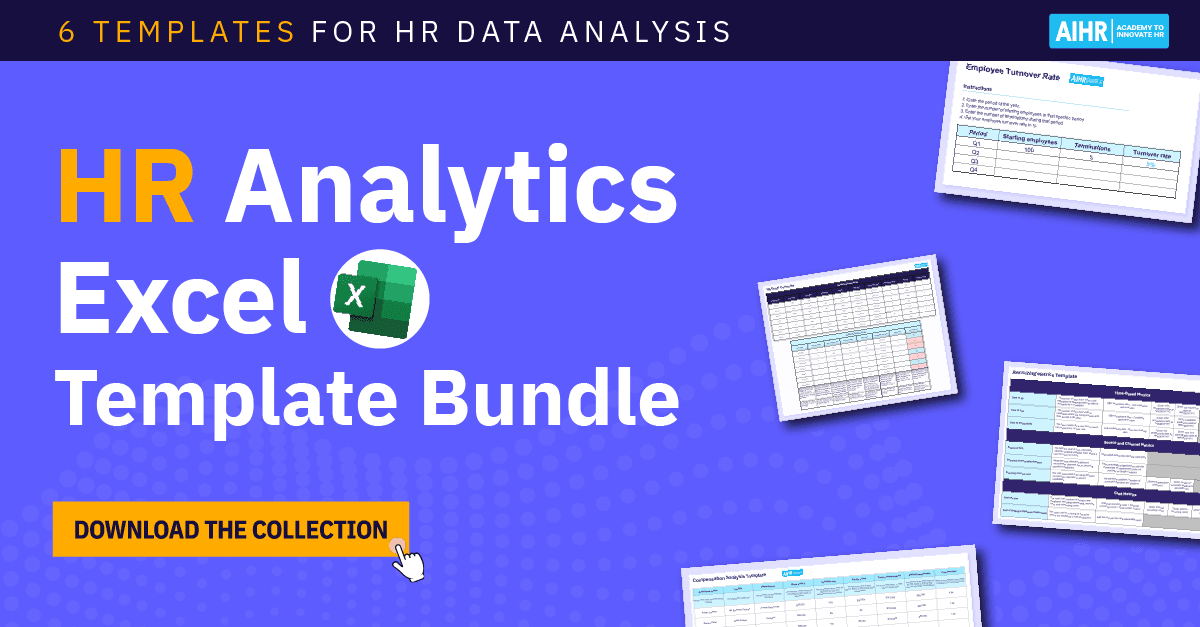
The bundle brings together six Excel-based templates, calculators, and dashboards designed to cover the most critical areas of HR data analysis. Each one is built for practical use, meaning you don't need advanced Excel skills or a dedicated data analyst to get meaningful results. Here's a breakdown of what you can expect.
1. Recruiting Metrics Template
Recruitment is one of the most data-rich functions in HR, yet many teams still rely on gut instinct or scattered spreadsheets to track hiring performance. The recruiting metrics template changes that by giving you a structured way to measure key indicators across every stage of the talent acquisition process.
With this template, you can track metrics related to hiring speed, such as time-to-fill and time-to-hire, as well as cost metrics like cost-per-hire. It also covers quality-of-hire indicators, candidate experience scores, recruiter performance data, and compliance-related figures. Having all of this in one place makes it significantly easier to identify bottlenecks, compare performance across departments or time periods, and build a compelling case for additional recruiting resources when needed.
2. Employee Turnover and Retention Template
High turnover is expensive, disruptive, and often preventable — but only if you can see it coming. An employee turnover and retention template helps HR teams calculate turnover rates by department, tenure bracket, and role type, making it possible to spot patterns before they become serious problems.
Beyond raw turnover numbers, this kind of template typically lets you break down voluntary versus involuntary separations, track retention rates over time, and estimate the financial cost of attrition. These figures are especially powerful when presenting to business leaders who need to understand the real organizational impact of people decisions.
3. Headcount and Workforce Planning Template
Workforce planning requires a clear picture of your current headcount alongside projections for future hiring needs. A headcount planning template consolidates employee counts by department, location, job level, and employment type, giving HR business partners and leadership a reliable foundation for budgeting and strategic planning conversations.
This template is particularly useful when your organization is going through growth phases, restructuring, or budget reviews, as it allows you to model different scenarios and present structured workforce data rather than pulling figures together on the fly.
4. HR KPI Dashboard Template
An HR KPI dashboard pulls your most important people metrics into a single, visual view that's easy to read and share. Rather than compiling data from multiple sources every time someone asks for an HR update, a dashboard template lets you maintain a living document that reflects current performance across all key areas.
Typical KPIs covered in an HR dashboard include absenteeism rates, training completion percentages, engagement scores, diversity metrics, and productivity indicators. When designed well, this kind of dashboard becomes one of your most valuable communication tools for monthly or quarterly business reviews.
5. Compensation and Pay Equity Analysis Template
Pay equity is under increasing regulatory and organizational scrutiny, and HR teams need structured tools to conduct meaningful analysis. A compensation analysis template helps you compare pay across gender, ethnicity, tenure, and job level to identify gaps that may require action.
This template supports both internal auditing and external reporting, making it an essential resource for organizations committed to fair and transparent compensation practices. It also simplifies salary benchmarking by providing a framework for organizing market data alongside internal pay figures.
6. Training and Development Tracker
Learning and development investment is difficult to justify without data. A training and development tracker helps HR teams log employee participation in training programs, monitor completion rates, track hours spent on development activities, and measure the connection between training inputs and performance outcomes.
With this template, you can demonstrate ROI on L&D spend, identify skill gaps across teams, and ensure that development opportunities are distributed equitably across the workforce.
How to Get the Most Out of HR Analytics Excel Templates
Templates are only as effective as the data and habits behind them. To maximize the value of your HR analytics Excel template bundle, consider the following best practices.
- Establish a consistent data entry routine so that your templates stay current and reflect real-time workforce conditions rather than becoming outdated.
- Connect your templates to your HRIS or ATS data exports where possible, reducing manual input and the risk of errors.
- Share dashboards and summary views with business leaders on a regular cadence, such as monthly or quarterly, to build a habit of data-informed HR conversations.
- Use the insights from your templates to set specific, measurable HR goals that tie directly to business outcomes.
- Review and update your templates periodically to ensure they're capturing the metrics that matter most as your organization evolves.
Why Excel Still Works for HR Analytics
With so many specialized HR analytics platforms available today, it's worth addressing why Excel remains a practical and widely used choice for HR data analysis. The answer is accessibility. Excel is already installed in most workplaces, requires no licensing fees for basic use, and is familiar to the vast majority of HR professionals. For teams that aren't yet ready to invest in dedicated people analytics software, or that simply need a lightweight solution for specific reporting tasks, Excel templates offer an ideal middle ground.
They're flexible, customizable, and portable — qualities that matter when you're sharing reports across departments or presenting data to stakeholders who work in different systems.
Start Analyzing Your Workforce Data Today
Whether you're building your HR analytics capability from the ground up or looking to standardize reporting across your team, a free HR analytics Excel template bundle is one of the most practical starting points available. With tools covering recruiting, turnover, headcount, KPIs, compensation, and learning and development, you have everything you need to begin making more confident, evidence-based people decisions — without spending weeks building your own spreadsheets from scratch.
Download the free bundle, start with the template most relevant to your current priorities, and take the first step toward a more data-driven HR function.