
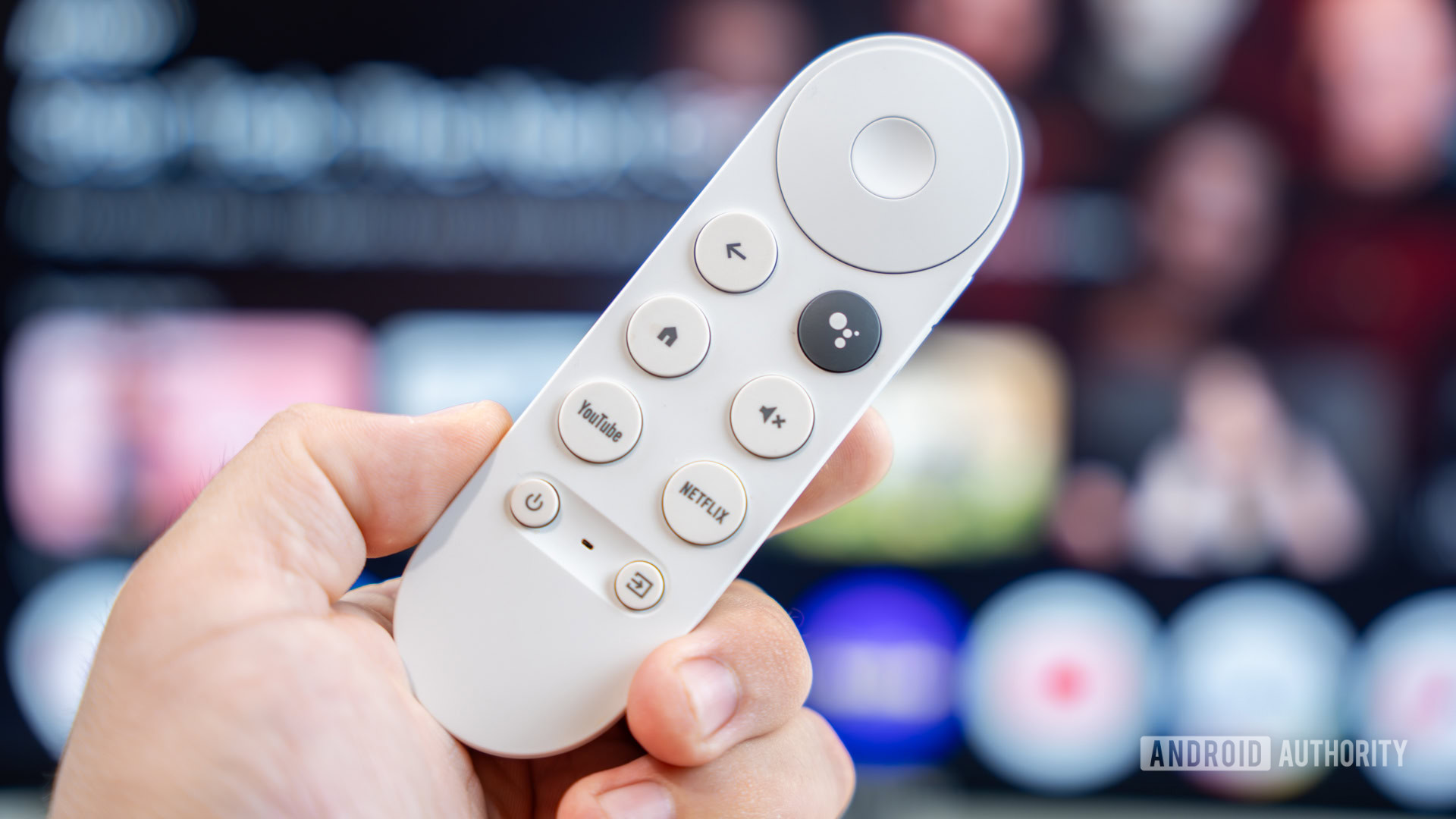
Chromecast with Google TV Remote Keeps Disconnecting — You're Not Alone
If you've recently settled in for a relaxing evening of streaming only to find that your Chromecast with Google TV remote has stopped responding, you are far from the only one. A growing wave of user reports has emerged across Reddit and tech news outlets, with many Chromecast owners describing the same frustrating experience: their remotes simply stop communicating with the dongle, leaving them unable to control their streamer. The good news is that there are workarounds available. The puzzling news is that nobody seems to know exactly what's causing the problem just yet.
What Exactly Is Happening with the Chromecast Remote?
The issue, as reported by multiple users on the Chromecast subreddit and flagged by outlets like 9to5Google, centers on a persistent loss of connection between the physical remote control and the Chromecast with Google TV dongle it's supposed to be paired with. What makes this particularly strange is that the remotes themselves do not appear to be broken. Users have confirmed that the hardware is functional — it's the connection between the remote and the streaming device that keeps dropping, and attempts to re-pair the two often fail or only provide a temporary fix.
In other words, it's not a dead battery problem or a broken button situation. The Chromecast unit is simply failing to maintain a stable, persistent pairing with its associated remote. Reports indicate that this has been occurring repeatedly and spontaneously, sometimes without any obvious triggering event such as a software update or a power outage. The issue appears to have started surfacing prominently over a short period, suggesting it may be connected to a recent change on Google's backend or a firmware update that rolled out quietly.
How Many Users Are Affected?
While it's difficult to quantify the exact scale of the problem, the volume of complaints appearing in a concentrated window of time points to a systemic issue rather than a series of isolated hardware failures. Several threads on the Chromecast subreddit popped up within roughly the same 24-hour window, with users from different regions all describing nearly identical symptoms. When a problem affects a geographically diverse set of users simultaneously, it tends to indicate something happening at the software or infrastructure level rather than a manufacturing defect.
That said, not every Chromecast with Google TV owner appears to be impacted. Some users in the same discussion threads report that their devices and remotes are functioning perfectly. This kind of partial rollout of a bug is consistent with staged firmware updates or server-side configuration changes that haven't yet reached all devices.
What's Causing the Chromecast Remote Disconnection Issue?
At the time of writing, the root cause remains unclear. Google has not issued an official statement or acknowledgment regarding the reports. The most likely candidates for what's triggering the disconnections include a problematic firmware update, a change in the Bluetooth or infrared pairing protocol, or a server-side issue affecting how devices authenticate and maintain connections with their remotes.
Chromecast with Google TV remotes use Bluetooth for most of their communication with the dongle, with some infrared functionality for controlling the TV's volume and power. A disruption in the Bluetooth pairing layer — even a subtle one — could explain why the remotes appear to be working in isolation but cannot maintain a stable link with the streamer itself.
How to Keep Watching While Your Remote Is Down
Losing your remote doesn't mean losing access to your content. There are several practical ways to continue controlling your Chromecast with Google TV while the pairing issue persists.
- Use the Google Home app: This is the most straightforward workaround. The Google Home app, available for both Android and iOS, includes a built-in remote control feature that allows you to navigate the Google TV interface, launch apps, adjust volume, and more — all from your smartphone. Simply open the app, select your Chromecast device, and tap the remote icon.
- Try re-pairing your remote: While this may only be a temporary fix for some users, it's worth attempting. You can hold the Home button and Back button simultaneously on the remote for a few seconds to initiate a re-pairing sequence. From the Chromecast settings menu, you can also attempt to add the remote as a new accessory.
- Use a universal remote: Many universal remotes support Google TV devices via HDMI-CEC or infrared. If you have one lying around, it may be able to provide basic navigation while your standard remote is acting up.
- Cast directly from your phone: For content from apps like YouTube, Netflix, or Spotify, you can cast directly from the app on your mobile device without needing the remote at all.
Should You Contact Google Support?
If your Chromecast remote has stopped working and none of the above workarounds are solving the problem, it may be worth reaching out to Google Support directly. Reporting the issue through official channels can also help Google prioritize a fix, as a higher volume of support tickets often prompts faster responses from engineering teams. You can also visit the Google TV Help Community forum to check whether other users have discovered additional solutions or whether Google has posted any updates.
What to Expect Going Forward
Given that this appears to be a widespread issue rather than an isolated hardware defect, a software fix from Google seems like the most probable resolution. Google regularly pushes updates to Chromecast devices, and a targeted patch to address Bluetooth pairing stability would be consistent with how the company has handled similar issues in the past. Keep your device connected to Wi-Fi and ensure automatic updates are enabled so that any fix Google releases reaches your unit as quickly as possible.
In the meantime, the Google Home app remains your best friend. It's a robust remote replacement that gives you full control over your streaming experience, and it's something every Chromecast owner should have installed regardless of whether their physical remote is working. If you've been putting off downloading it, now is a very good time to do so.
The Bigger Picture: Smart TV Device Reliability
This episode is a good reminder of the degree to which modern streaming devices depend not just on hardware but on an ongoing relationship between physical components and cloud-connected software. A remote that "works" but can't connect to its dongle illustrates how a single disruption in the software layer can render perfectly functional hardware useless. As these devices become more deeply integrated into our daily entertainment routines, the expectation of reliable, uninterrupted performance becomes more important than ever. Hopefully, Google moves quickly to identify and resolve whatever is causing these Chromecast remote disconnections so users can get back to enjoying their content without needing a workaround.